 Checkcraft
Import cURL, OpenAPI and Postman requests
You do not need to retype every request to try another API client. An imported request is useful once you have checked that its settings still point to the intended environment.
You can inspect an imported request, send it to a test environment and add explicit response checks.
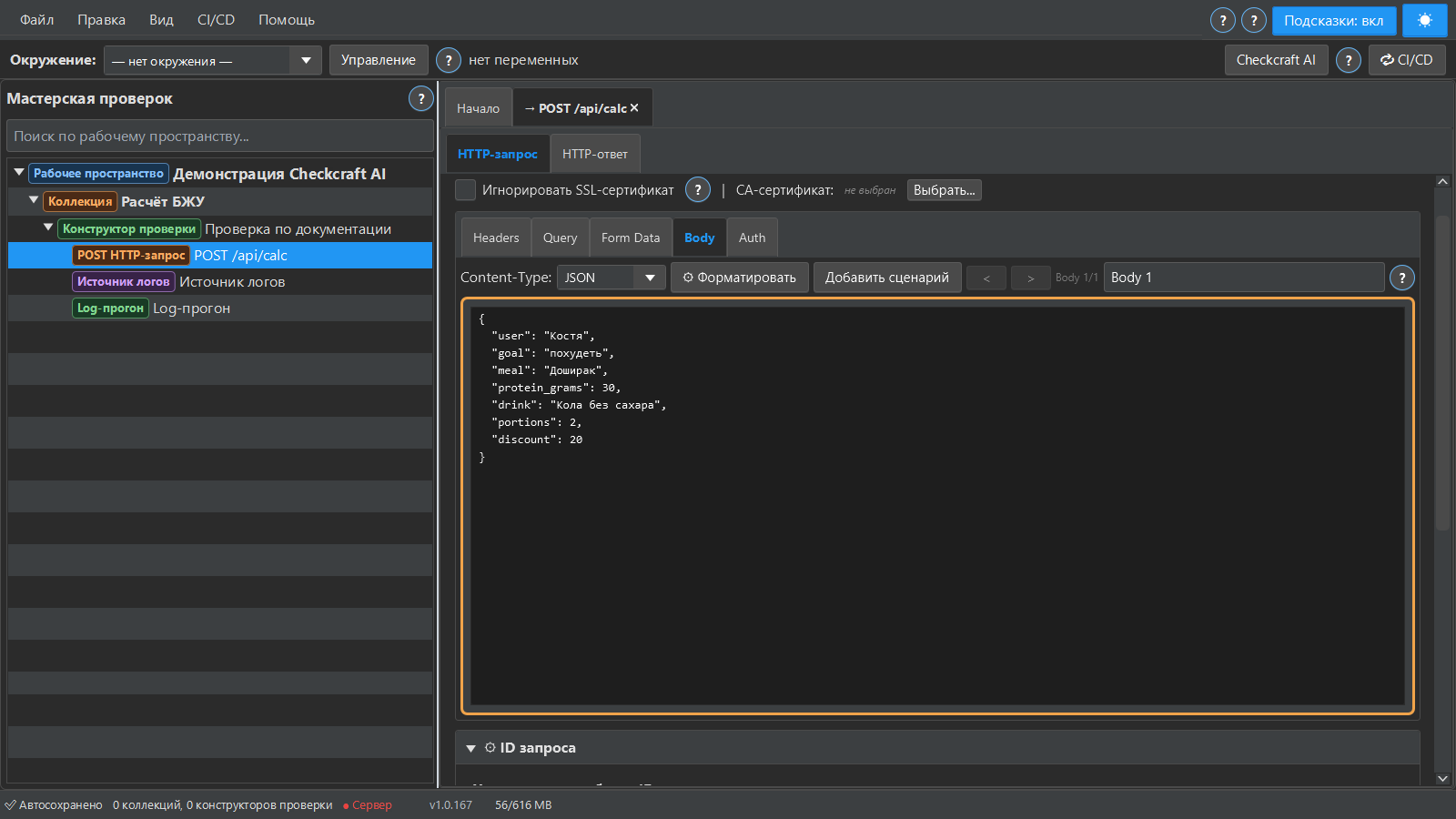
Choose the importer for your source
Paste cURL into the request import action, or use the workspace menu for OpenAPI/Swagger and Postman collections. Review the imported structure. Importing a request definition is different from importing every behavior of another tool.
Check environment-dependent values
Inspect the base URL, path, headers, body and credentials. Replace hardcoded environment values with variables where appropriate. Never use production credentials in a public example or screenshot. Confirm the selected environment before sending a request.
Add the expected results
A request example may show how to call the API without stating every valid result. Add response status, field and type checks from the contract. Existing scripts and unsupported features from another tool may need to be recreated using Checkcraft steps.
Repeat the check with ready-made files
Download the Checkcraft test case and two inputs. One input is valid, and the other contains a deliberate error. These synthetic examples are available without registration.
Run the example in Checkcraft
Create a collection, a check and a test case using the workspace tree context menu. Click Import in the test case editor and choose the downloaded test case. Open the added case, copy the valid JSON, click Paste data for analysis, then Run test case. Open Result to inspect the report.
Repeat with the broken JSON without changing the rules. The first run should pass and the second should fail. If you see a different outcome, check the selected data source, imported steps and report.
The example files were executed against the application source on 14 September 2026. Reference reports recorded in Russian are available for the passing run and failing run. Sample names and literal data values do not change when you switch the interface language.
See the result on a small example first
Start with the sample, inspect the failure and then try a sanitized example from your own API. Free (beta) is available for Windows and Linux with no time limit.
Get Free (beta)Download and first runAn account and verified email are required to obtain the build. See the edition limits.